How to Create Your Own AI Character on Egirls.ai
A step-by-step walkthrough of the Egirls.ai character builder, from clicking Create in the sidebar to generating a preview and going live.
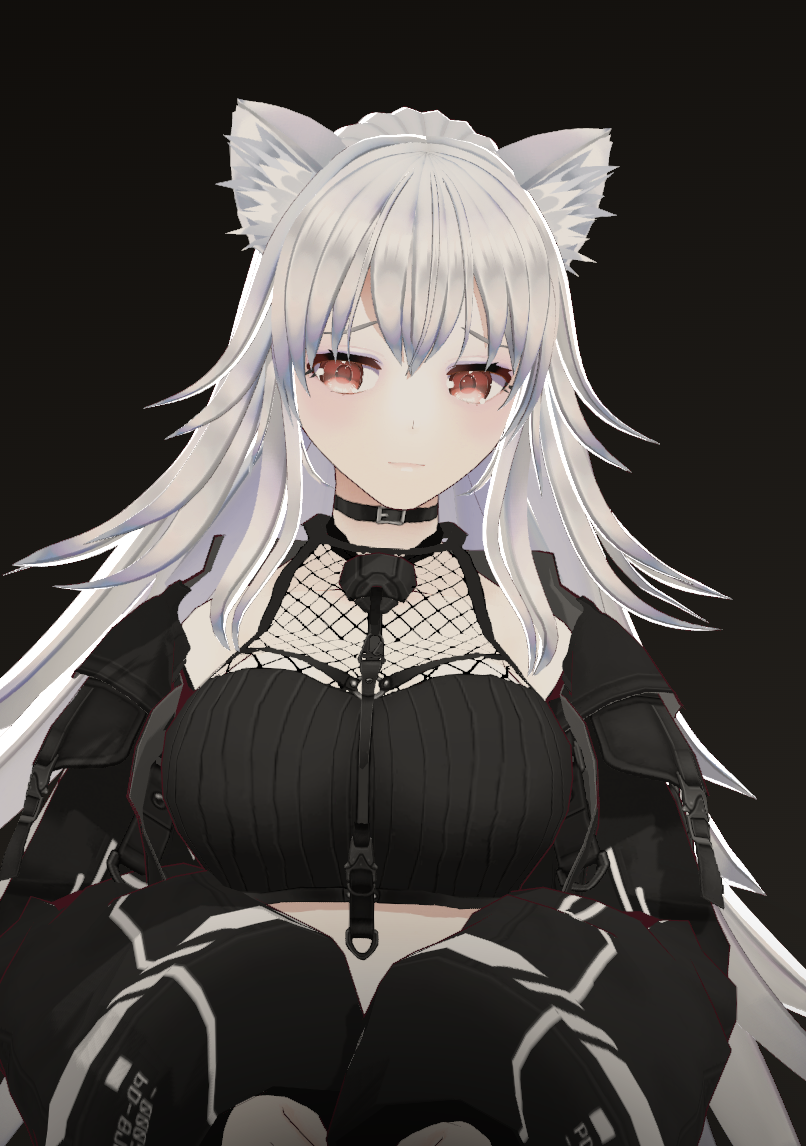
Creating your own AI character on Egirls.ai is the difference between chatting with someone else’s idea and chatting with exactly the personality you imagined. The builder walks you through it as a guided series of steps, so you never face a blank page. Here is the whole flow.
Open the character builder
Click Create in the left sidebar. On desktop this takes you straight into the character builder. On mobile, a Create menu slides up first; choose Character to begin. From there you move through each step and tap Next at the bottom, all the way to a final Create button.
Start with the look
The first steps lock in how your character looks before you touch personality:
- Gender and visual style: pick the overall gender, then choose Realistic or Anime.
- Identity: set an age range and ethnicity.
- Body: dial in the proportions and silhouette.
- Details: choose hair color, hair style, and eye color.
Shape how they talk
The next steps decide how the character behaves in conversation, which matters far more than appearance once you start chatting:
- Sexual identity: set the orientation the character leads with.
- Chat style: choose a chat mode (Roleplay or Texting), a response length, and a writing level from chill to creative.
- Relationship: pick how things begin, such as stranger, friend, or girlfriend, or write a Custom dynamic of your own.
- Interests: search and select the kinks and interests the character should know about.
- Voice: preview the available voices and pick the one that fits.
Write the persona
This is the most important step. You give the character a name and a persona: a short description of who they are and how they act. A few vivid, specific lines beat a long biography. Describe their attitude, how they speak, and what they want.
Your playful college roommate who teases constantly, sends flirty late-night texts, acts confident but secretly gets needy when they want attention.
That one paragraph already implies a voice, a mood, and a way of steering the conversation. Everything the character says will draw from it.
Review, preview, and create
The final step is a full review of every choice you made, grouped by category. Here you can:
- Generate a preview image of your character, and re-roll it until the look is right.
- Scan the summary of look, persona, chat style, relationship, and interests.
- Tap Create to bring the character to life and start your first conversation.
That is it. Once your character feels consistent across a few replies, you are ready to keep chatting or build another. For richer conversations, read our tips for AI roleplay.
Frequently asked questions
- How long does it take to create an AI character?
- A first character usually takes a few minutes. The builder walks you through appearance, chat style, relationship, interests, and voice step by step, and the final review screen lets you generate and re-roll a preview image before you create.
- What makes a good AI character persona?
- A few vivid, specific lines beat a long biography. Describe the character’s attitude, how they speak, and what they want. One strong paragraph that implies a voice and a mood gives the model more to work with than pages of backstory.
- Can I edit my AI character after creating it?
- Yes. Characters are not locked after creation: you can revisit your characters from the My Characters section and adjust their persona and settings as you learn what works in conversation.
- Do I need a subscription to create characters?
- Creating, publishing, and sharing characters is part of the Egirls.ai premium feature set. Premium starts at $9.99 per month billed yearly; see the pricing page for current plans and what each includes.